


The ultimate benchmark for your computer
On many occasions, it can be hard to know every single detail regarding the elements that make up our system, and if these are going to be powerful enough to run certain games. To find out whether we have all the components necessary to launch an application or videogame we have two options: check in the hardware administrator for each one of the elements or use a tool like 3DMark.
Benchmark fo the DirectX 11 video card for gamers.
Put your computer to the test
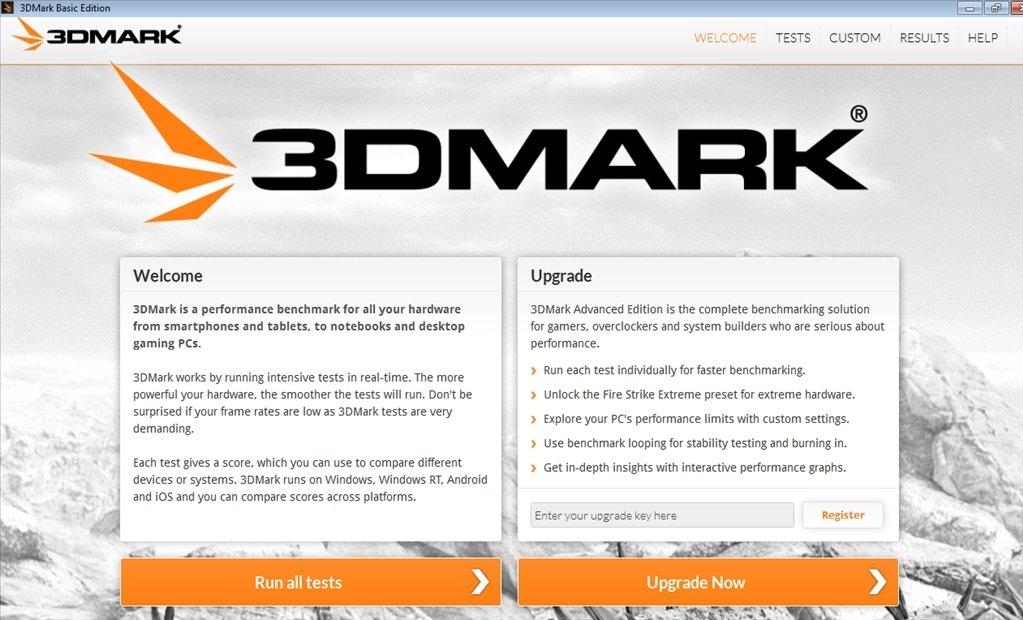
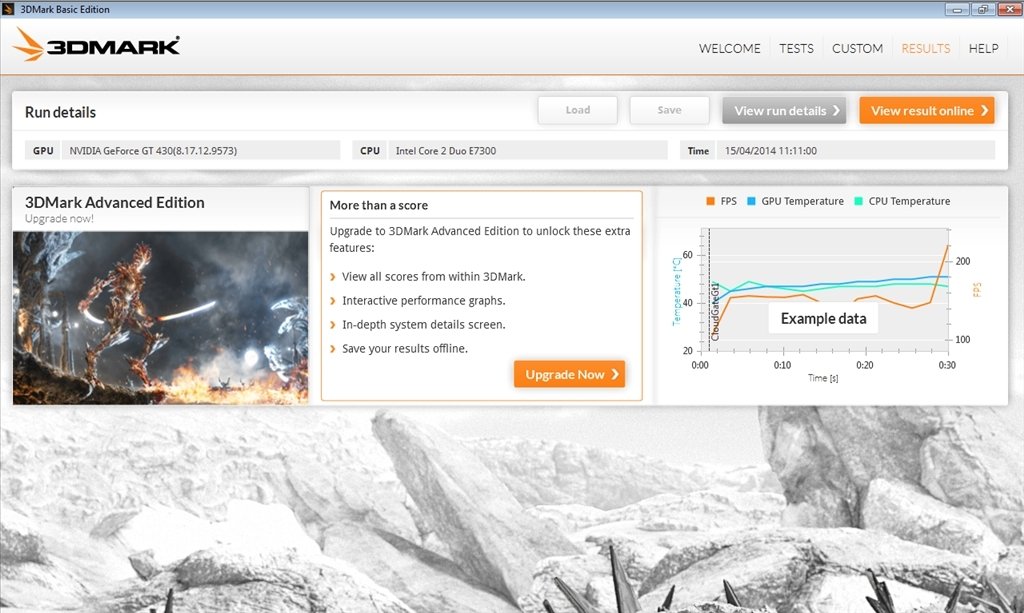
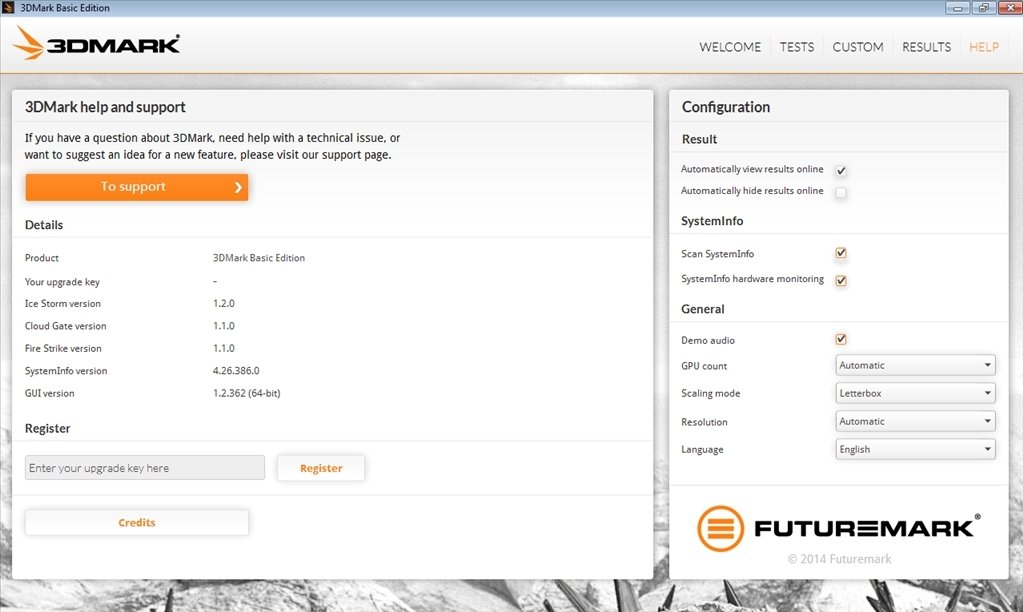
This simple application runs diagnostics on our system to determine the maximum performance that we can get out of it, check if we can play a specific game, or deliver complete information about our graphic card, sound card or CPU, for example.
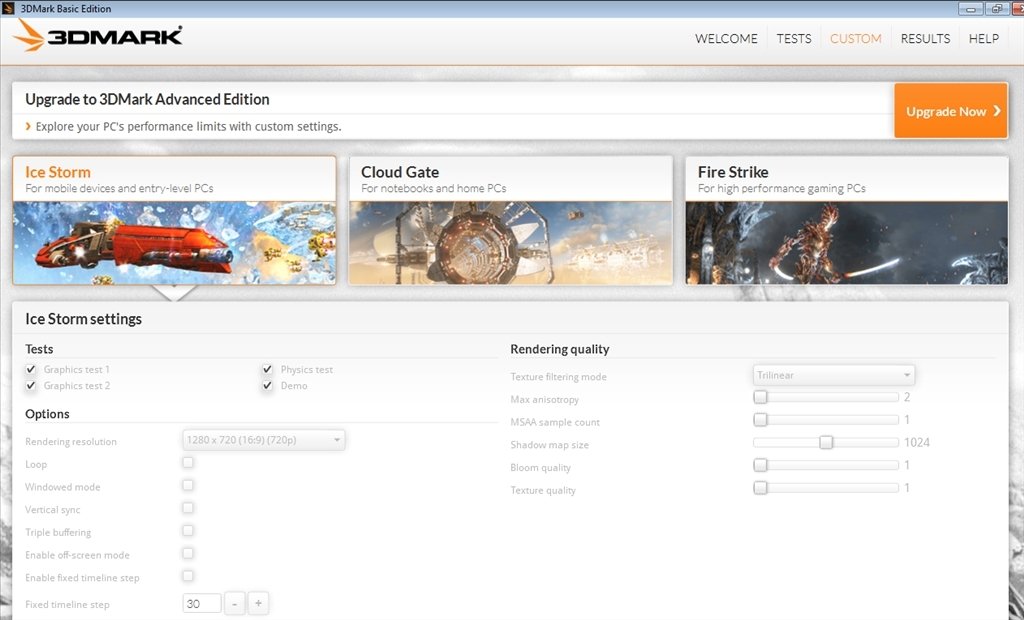
Besides allowing us to change the configuration of several elements from the same interface, 3DMark will allow us to launch a demo so that we can empirically check what graphics and performance we can get from our PC, when we use it with a 3D game.
Other features
- Explore sea depths and ruins of ancient civilizations with DirectX 11 graphics in real time.
- Includes four GPU tests, one CPU test and a combination of both.
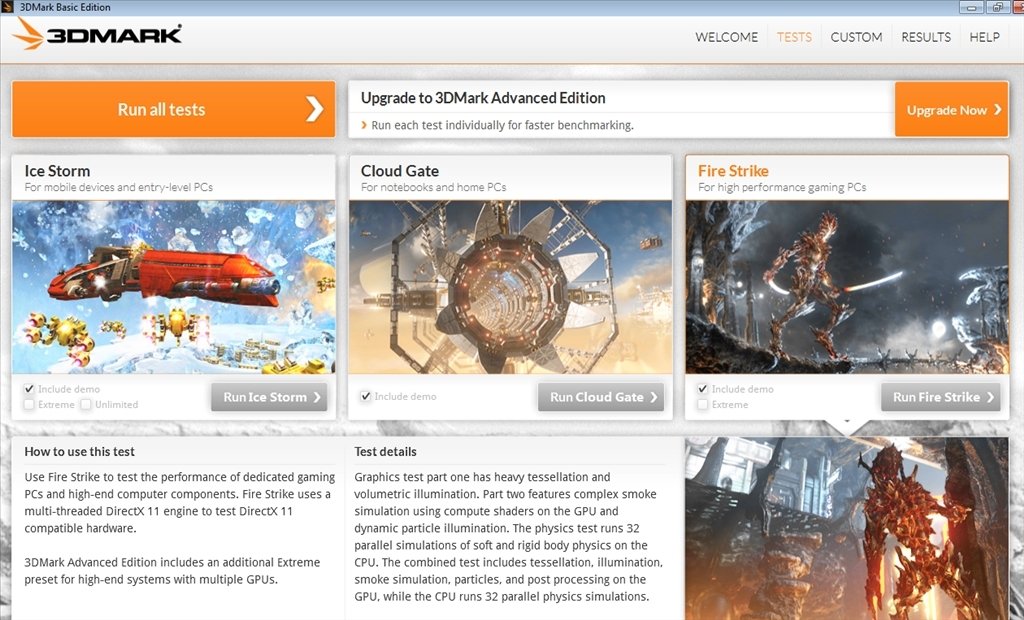
- Incorporates three different settings to test any computer, from lightweight laptops to powerful computers.
If you're a gamer and you're looking for a tool to check your computer and optimize it, don't hesitate! Download 3DMark right now.
Requirements and additional information:
- This is a demo version downloadable via Steam.
- Runs on Windows Vista and above.
- Requires a graphics card compatible with DirectX11.
 Lauriane Guilloux
Hi, I’m Lauriane Guilloux. I grew up surrounded by gadgets and technology and everyone who knows me assumes that it will always be one of my greatest interests. I’ve evolved hand-in-hand with PCs, laptops, video gaming consoles, smartphones,...

Antony Peel